How to Keyword 100 Stock Images in Record Time
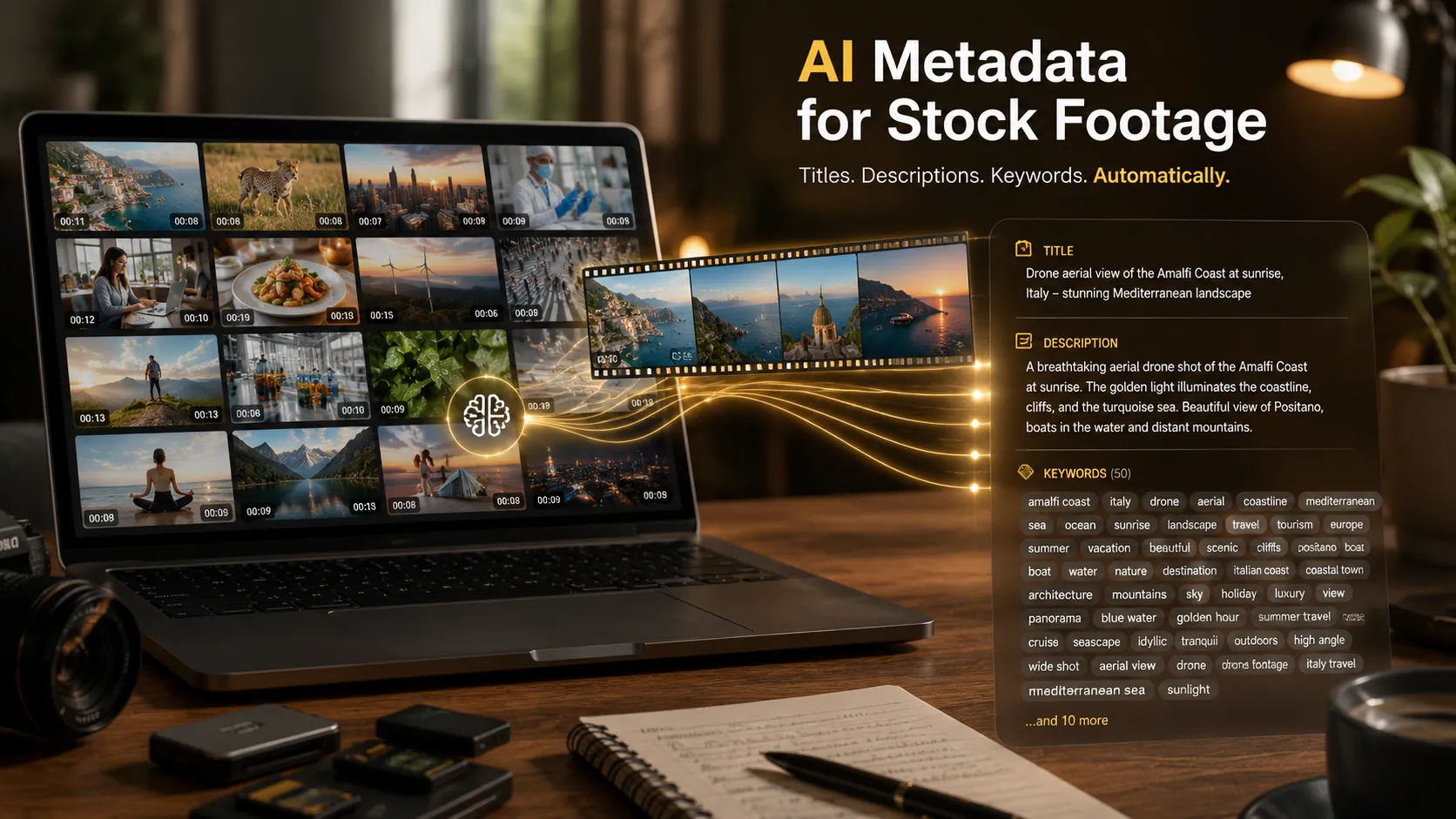
AI tools like ShotMeta generate 40+ keywords, titles, and descriptions per photo automatically. Keyword 100 stock images in under 90 minutes — not a full day.

AI tools like ShotMeta generate 40+ keywords, titles, and descriptions per photo automatically. Keyword 100 stock images in under 90 minutes — not a full day.
Keywording stock footage manually takes hours per batch. Use AI tools like ShotMeta to generate titles, descriptions, and 40 keywords per clip automatically.
ShotMeta analyses your footage and generates titles, descriptions, and 40 keywords per clip as a CSV. Automate stock video metadata for $0.04 per clip.
Learn photography fast. Master aperture, shutter speed, ISO, and composition — the only basics you need to start taking great photos today.
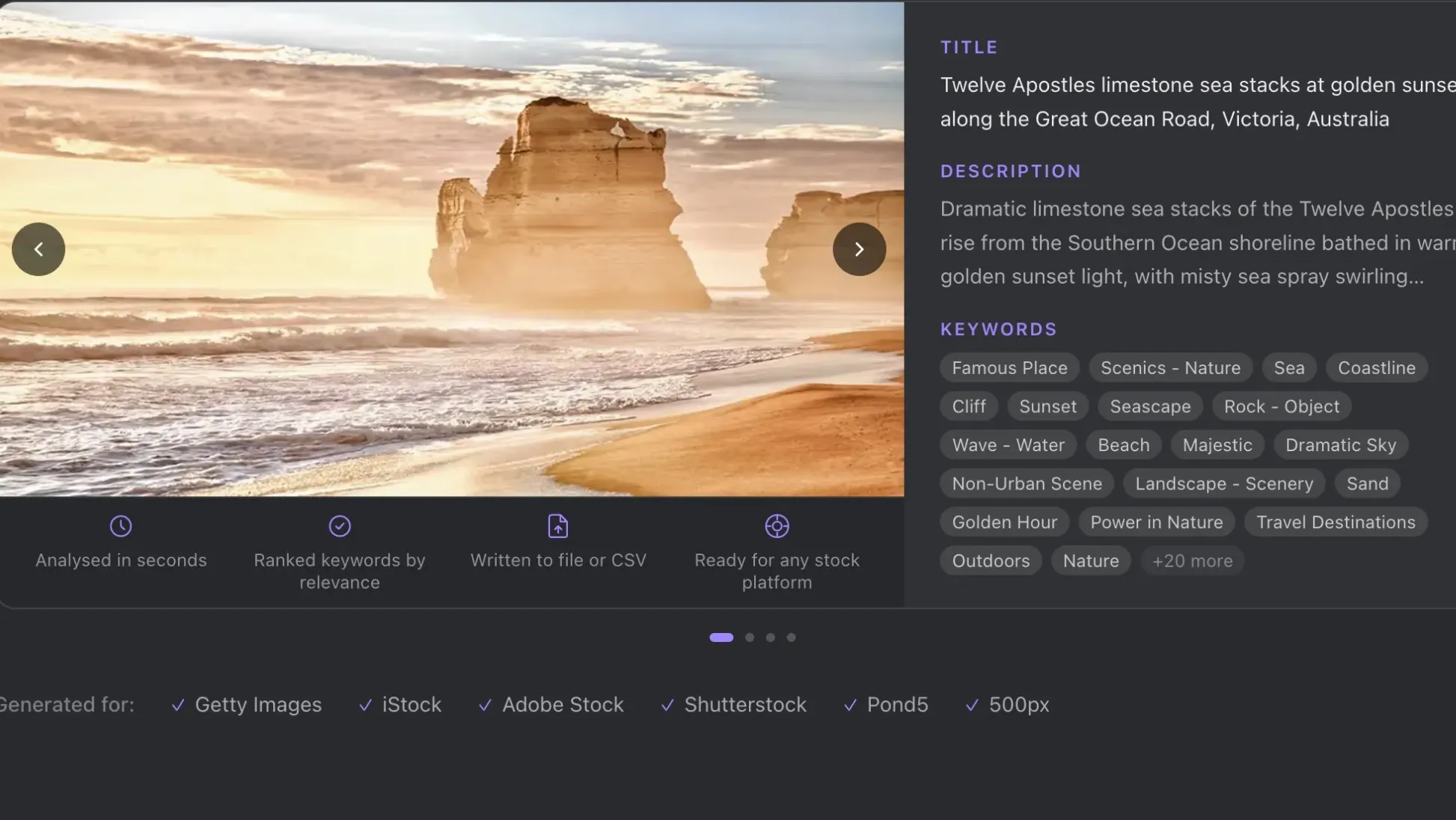
Add IPTC metadata to stock photos automatically using AI. ShotMeta generates titles, descriptions and keywords in 8 seconds per image — ready for Getty, Adobe Stock and Shutterstock.
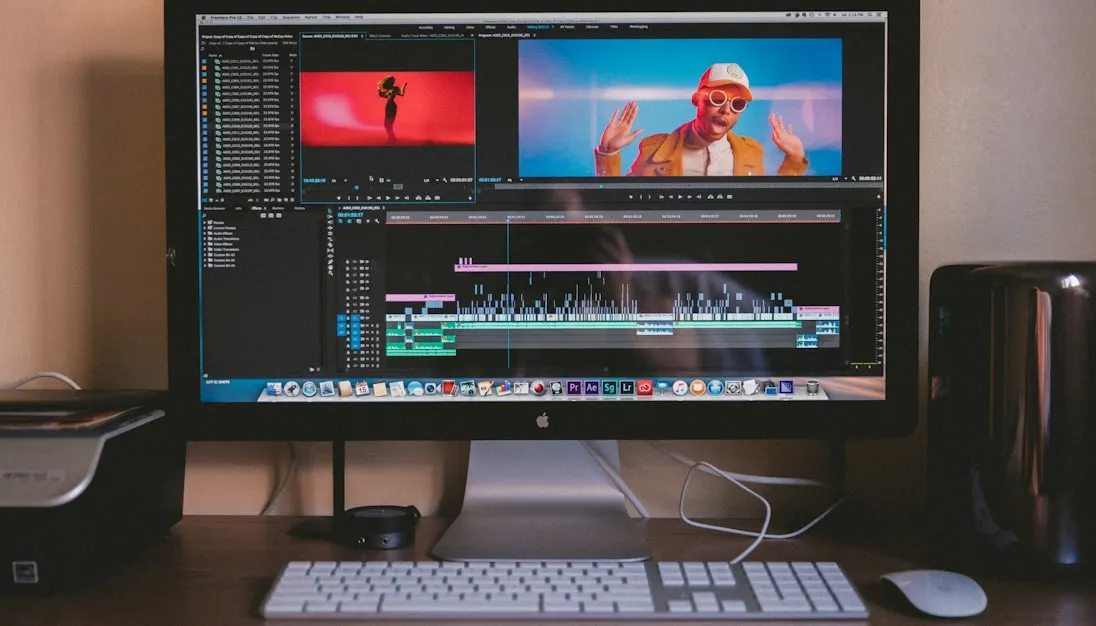
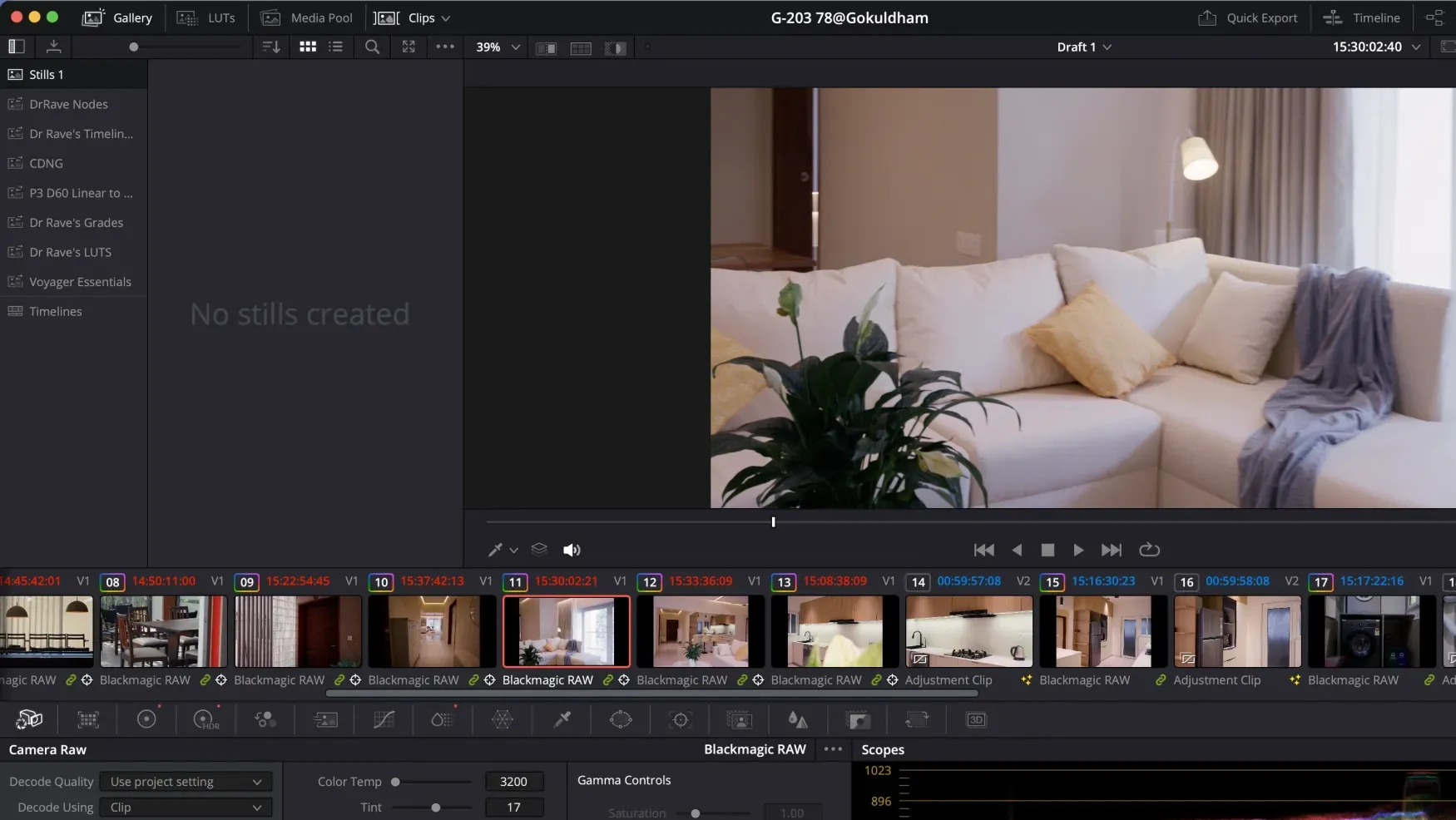
Grab and share color grade stills in DaVinci Resolve directly from the Color page — no exports, no screenshots. Right-click the viewer and share from the Gallery in two clicks.
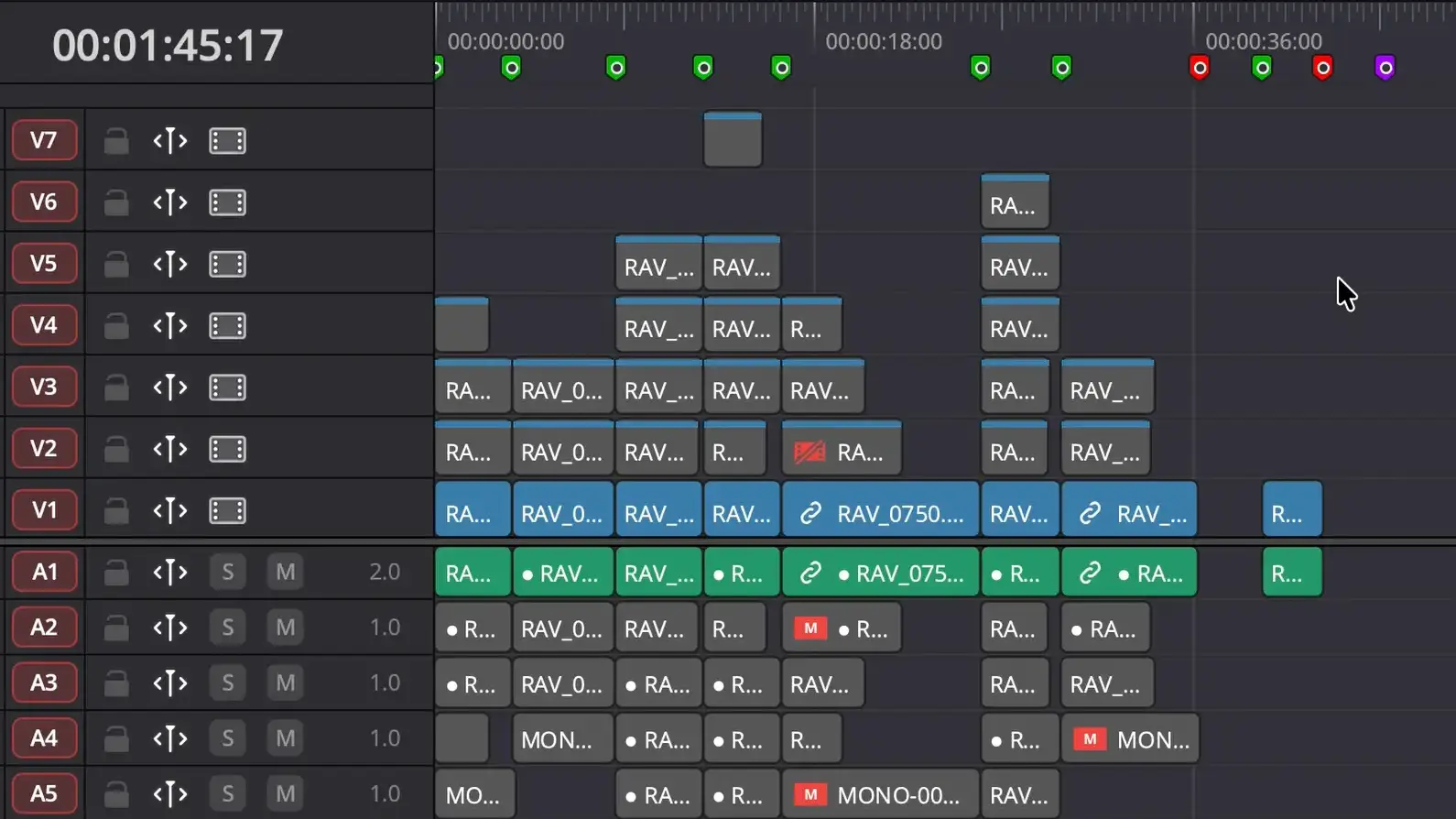
The RoughCut script for DaVinci Resolve transcribes your footage, matches it to your script, and assembles your timeline automatically — no manual cutting required.
AI generates perfect. It can't generate real. Learn what AI has changed in stock photography, what it can't replicate, and how to position your work now.
Sort Media Pool is a free DaVinci Resolve script that auto-sorts every clip by camera, audio, and timeline in one click. Saves 30–60 minutes per project.
Product photography in India costs ₹100 to ₹15,000+ per shot. Learn what each tier delivers, what drives the price, and which level your brand actually needs.
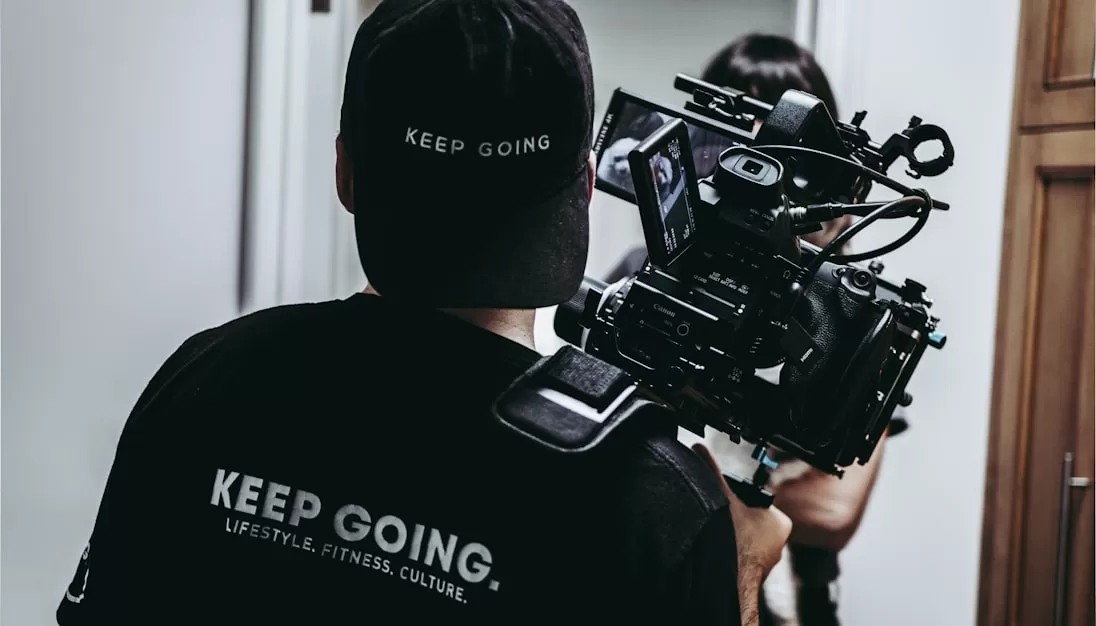
Yes, a mirrorless camera can shoot professional video. Most record 4K log profiles with clean HDMI output that matches traditional video cameras at the same price.
High ISO and underexposure cause noisy photos. Shoot RAW, expose correctly, and use Lightroom AI Denoise or Topaz DeNoise AI to fix grain in post.
Short answer:Cinematic video comes from choices, not expensive gear. You don’t need better cameras.You need better decisions about light, framing, motion, and color. This article is about acheiving the cinematic look on a budget, so we will not use
Short answer:Frame rate controls how motion feels, not how “good” your video looks. There is no single “best” frame rate.There is only the right frame rate for the job. Why Frame Rate Confuses Everyone
Short answer:HDR lets your video keep bright highlights and dark shadows at the same time. That’s it. HDR does not automatically make your video cinematic, colorful, or better.It just gives you more room to work with light.